Mothership Defense Action Game
Defend your mothership against relentless waves of creatures in this free browser-based action game. Explore, collect power-ups, and clear infected areas to survive.
Reviews
A free browser action game with 3D graphics and increasing difficulty. Great for quick, strategic sessions.
About this game
Game Introduction
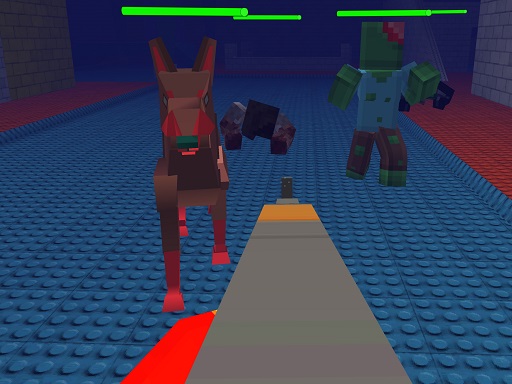
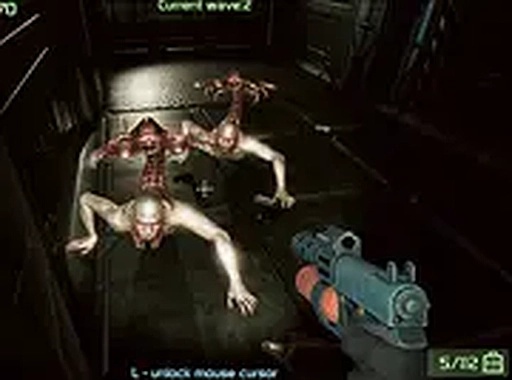
Mothership Defense Action Game places you in a 3D environment where your primary task is to protect a central vessel from waves of approaching creatures. The action takes place on and around the ship, with threats emerging from all directions. Your mission involves exploring the vessel to find useful items and ammunition that help you push back the advancing horde. Clearing out contaminated sections of the ship is essential to maintaining a secure base and ensuring survival. This game offers a fast-paced experience for those who enjoy strategic, action-oriented challenges. It is completely free to play, runs instantly in your browser, and is designed for desktop use with a keyboard or mouse. A full screen mode is available for a more immersive experience. The game increases in difficulty as you progress, requiring quick thinking and efficient movement to succeed.
How to Play
Players use the mouse to aim and click to defeat approaching creatures. Movement around the ship is controlled using the keyboard. As you explore different areas, you can collect items and ammunition that are scattered throughout the environment. The goal is to defend the mothership by neutralizing all threats and cleaning each section. The controls are simple to learn, but the challenge grows as more creatures appear. Since the game is optimized for desktop, using a computer provides the best experience. Switching to full screen mode can enhance visibility and focus during gameplay.
Game Features
The game is free to play with no downloads required. It is browser-based for instant access. Desktop-only controls are optimized for keyboard and mouse use. Full screen mode is available for a more focused experience. The 3D graphics create an immersive visual environment. The game offers increasing difficulty as players advance through different waves of creatures.
Tips for Success
Prioritize collecting items and ammunition as you explore the ship. Stay on the move to avoid being surrounded by creatures. Focus on clearing one area at a time to prevent being overwhelmed. Use full screen mode for better visibility. Practice your aiming and movement to improve your reaction time. As the difficulty increases, conserve ammunition and aim for precise shots to defeat enemies efficiently.