Chess for Free Strategy Game
Play chess online for free against a computer opponent. Learn with interactive tips, undo moves, and review post-game analysis to improve your strategy.
Reviews
Chess for Free offers a supportive environment with interactive tips and post-game analysis to help players improve their chess skills.
About this game
Game Introduction
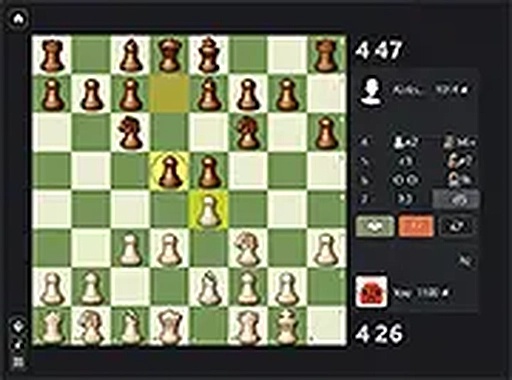
Chess for Free is an online chess game that allows you to play against a computer opponent. It is designed for players of all skill levels, from beginners to more experienced players. The game highlights possible moves when you select a piece, making it easier to plan your strategy. During the game, you receive interactive tips that suggest better moves, helping you learn as you play. If you make a mistake, you can undo your move and try a different approach. After the game, a detailed analysis shows your mistakes and suggests better moves. You can also replay the game from any point to study your decisions. This game provides a supportive environment to enjoy and improve your chess skills.
How to Play
To start playing Chess for Free, click on any piece to see its possible moves highlighted on the board. Then click on a highlighted square to make your move. The computer will respond with its own move. Use the interactive tips that appear during the game to guide your decisions. If you want to undo a move, click the undo button to go back and try a different strategy. After the game ends, review the analysis to see where you made mistakes and learn better moves. You can also replay the game from any position to practice and improve. The game runs directly in your browser, so no downloads or installations are needed.
Game Features
Interactive tips help you learn better moves during the game. Undo moves allow you to correct mistakes and try different strategies. Post-game analysis highlights mistakes and shows better alternatives. Replay capability lets you review the game from any point to study your decisions. The game is free to play with no downloads required.
Tips for Success
Chess for Free offers a clean and focused way to practice chess. The helpful features make it easy to learn from each game. It is a good choice for anyone who wants to enjoy chess and improve their skills at their own pace.